
Maintaining an accurate tenant list is crucial to utilize the full functionality of Assist. In order for the AI Assistant to effectively communicate with renters, a tenant list that is kept up-to-date with accurate contact information is required.
Add a Resident
1. First, navigate to the Residents page.
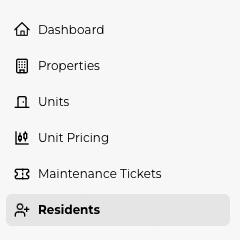
2. Here you will see a list of all residents that have been added to the system and their contact information. To manually add a resident, select "Create new resident"
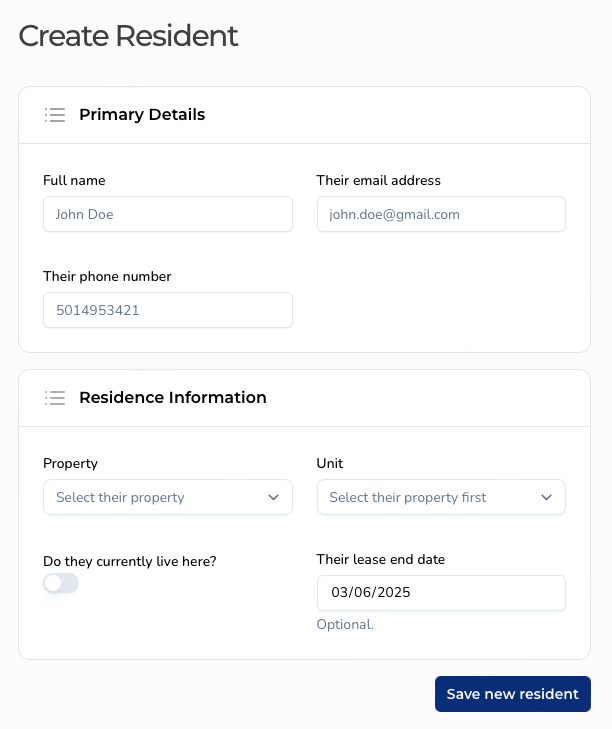
3. Fill out all resident information - Full name, email address, phone number, property and unit number. When you are finished, click "Save new resident" to add the resident to the system.
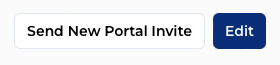
4. Once you have added the new resident, you can send a portal invite to join the platfrom. Simply click "Send New Portal Invite" in the top right corner and choose Email or SMS. The resident will immediately be sent an invite link. A detailed guide to the resident portal can be found here.
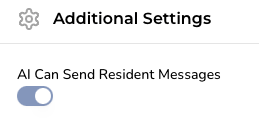
5. If a resident requests to opt out of Maintenance Assist, you can toggle the AI off by navigating to the resident, scrolling down to "Additional Settings" and setting "AI Can Send Resident Messages" to "Off"
Import Residents
For quick bulk addition of residents, you can import your data from a spreadsheet into Assist. Our import tool uses AI to efficiently import data from just about any format into your account. A detailed guide to bulk importing residents can be found here.